Player development
Soccer Highlight Video Tips: Show Your Game with Prospect XI
Create a clearer soccer highlight video with position-specific clip ideas, simple editing tips, and ways to connect footage to your Prospect XI profile.
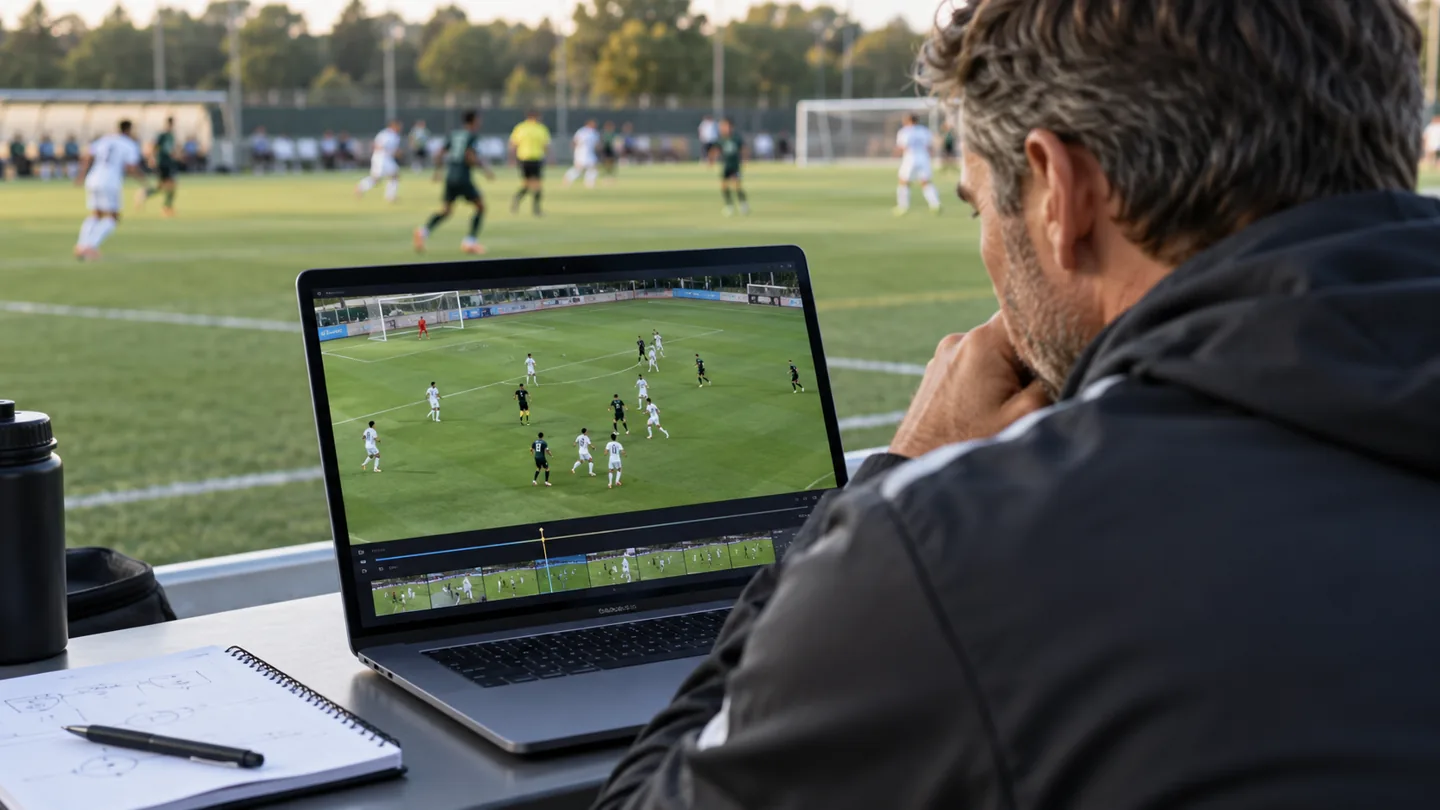
A soccer highlight video can tell a clearer story when it shows how a player reads the game, helps teammates, and responds to changing situations. Goals are part of that story, but they are not the whole picture.
This Prospect XI guide offers a practical way to select clips, explain your role, and connect match video with your player profile and development goals.
Start with the purpose of your video
Before editing, decide what you want the video to explain. A private season review, a conversation with your coach, and a video requested by a specific organization may need different material.
If an organization asks for footage, follow its instructions for length, format, identification, and submission. There is no single video template that guarantees interest or selection.
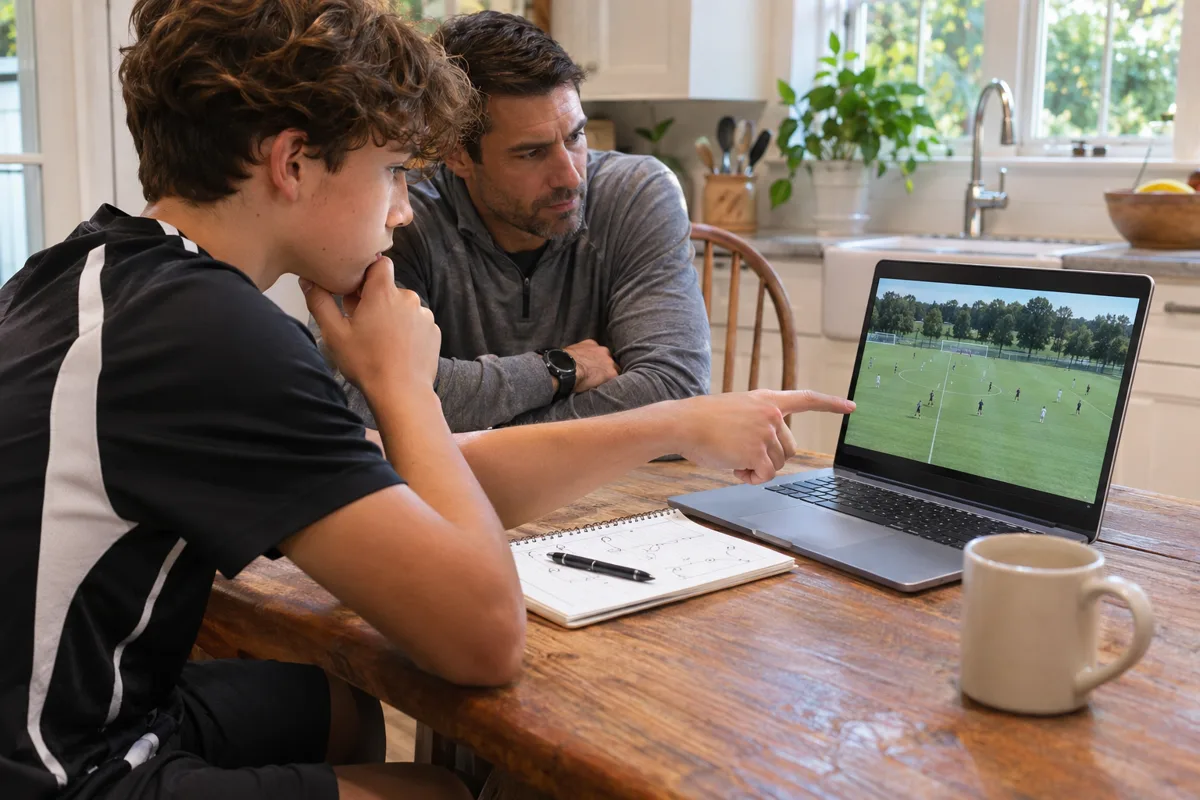
For a development-focused video, ask: “What does this sequence show about my decisions, and what can I learn from it?”
Choose clips that show your role
Pick moments that help someone understand what you do in your position. Use the examples below as prompts rather than a checklist every player must complete.
- Central midfielders: Checking for pressure, receiving in space, connecting passes, supporting possession, and reacting when the ball changes teams.
- Defenders: Adjusting position, covering a teammate, delaying an attacker, intercepting, and choosing a useful pass after winning possession.
- Wide players: Creating width, recognizing when to combine or dribble, recovering defensively, and moving after a pass.
- Forwards: Timing movement, creating space, linking play, pressing, and finishing different types of chances.
- Goalkeepers: Starting position, communication when audible, handling, decisions about space, distribution, and responses after a save.
Do not force a clip into a category it does not demonstrate. A distant camera angle may show positioning clearly while revealing little about what a player saw or said.
Show what happens before and after the main action
A pass can look impressive in isolation, but its context helps explain the choice. Where was the pressure? Which options were available? Did the player move again after releasing the ball?
Leave enough of the sequence to make those details understandable. Avoid cutting immediately before every touch or ending every clip the instant a pass leaves the foot.
For a defender, the adjustment before a tackle may be as useful to review as the tackle itself. For a midfielder, the movement that creates a passing lane may explain more than the completed pass.
Make the player easy to identify
At the start of each sequence, briefly identify the player with a simple marker or clear caption. Use a shirt number and team color where helpful, then let the action remain visible.
Keep labels readable and avoid graphics that cover the ball, nearby players, or important space. Check that the video plays correctly on a phone as well as a larger screen.
For a youth player, avoid putting personal contact information, an exact birth date, or a home address into the video. A parent or guardian should manage permissions and any sharing decisions.
Keep the editing focused on the game
A clear sequence is more useful than an elaborate introduction. Keep the image stable where possible and use effects only when they help someone understand the action.
Do not speed up footage in a way that misrepresents play. If you use a replay or slow motion to explain something, label it clearly. Music is optional; avoid removing useful match communication when that sound is part of the example.
Use footage and audio you have permission to use. Check the recording provider’s sharing controls and any relevant team or event permissions before distributing a link.
Separate a showcase from a learning review
A showcase might collect examples you feel represent your current game. A private learning review can include moments that did not work, because those moments may help you choose your next training focus.
For each learning clip, write three short notes:
- What happened? Describe the action without judging yourself.
- What information mattered? Consider pressure, space, teammates, and timing.
- What will I try next? Choose a specific action to discuss or practice.
For example: “I received with pressure behind me, turned into the defender, and lost possession. Next session I will focus on checking my shoulder earlier and recognizing when to return the pass.”
Connect your highlight link to Prospect XI
Prospect XI is the player-profile section of Soccer Network Hub. It lets you organize playing background, achievements, a highlight link, and development goals alongside your community account.
Open the player profile editor, add your HTTPS highlight-video link, and write a short bio that gives the footage context. For example, mention your main position and the development focus reflected in the clips.
Review the link before saving. Does it open for the audience you intend? Does it reveal additional videos or account information you did not mean to share? An externally hosted video follows that service’s permissions; saving its link in a private profile does not change those permissions.
How visibility works today: Prospect XI player profiles are private to their account owner. Player discovery and recruiter messaging are not available. Adding a video does not publish it to a scouting directory or guarantee exposure.
For the complete profile checklist, read how to create a soccer player profile.
Use the video to choose your next development goal
After reviewing a few sequences, look for one pattern worth working on. Keep the goal focused on an action you can practice, rather than a promise about results.
“Scan before receiving in our next passing activity” gives you a clear focus. “Never lose the ball again” does not give you a realistic action plan.
Add the focus to your profile and revisit it through your player dashboard. Ask your coach for feedback on whether the clips support the pattern you noticed.
The PSC resource library offers match-analysis and individual-development tools to help structure that reflection.
Frequently asked questions
How long should a soccer highlight video be?
Follow the recipient’s instructions when they provide them. Otherwise, choose a focused set of clear sequences that serves your purpose. Remove repeated or unclear clips rather than extending the video to reach an arbitrary length.
Should a highlight video include only goals?
No. Choose examples that represent your position and responsibilities, including movement, passing, defending, and decisions away from the ball.
Can I add a video link to Prospect XI?
Yes. The player profile editor accepts an HTTPS highlight link. The profile remains private, and the external video’s sharing settings remain under its hosting service.
Will a Prospect XI video get me recruited?
There is no guarantee of recruitment or selection. Prospect XI currently provides private profile and development tools; player discovery and recruiter messaging are not available.
Tell a clear player story
Choose footage that represents your game, make the player easy to identify, and use the review to learn something specific. A useful video should help explain your decisions and point toward your next step.
Add a highlight link to your private Prospect XI profile or explore the development resources to turn your observations into a training focus.