Player development
Prospect XI: Keep Your Player Story and Development Goals Together
Use Prospect XI to organize playing history, highlights and development goals in a private player profile, with a dashboard and saved opportunities.

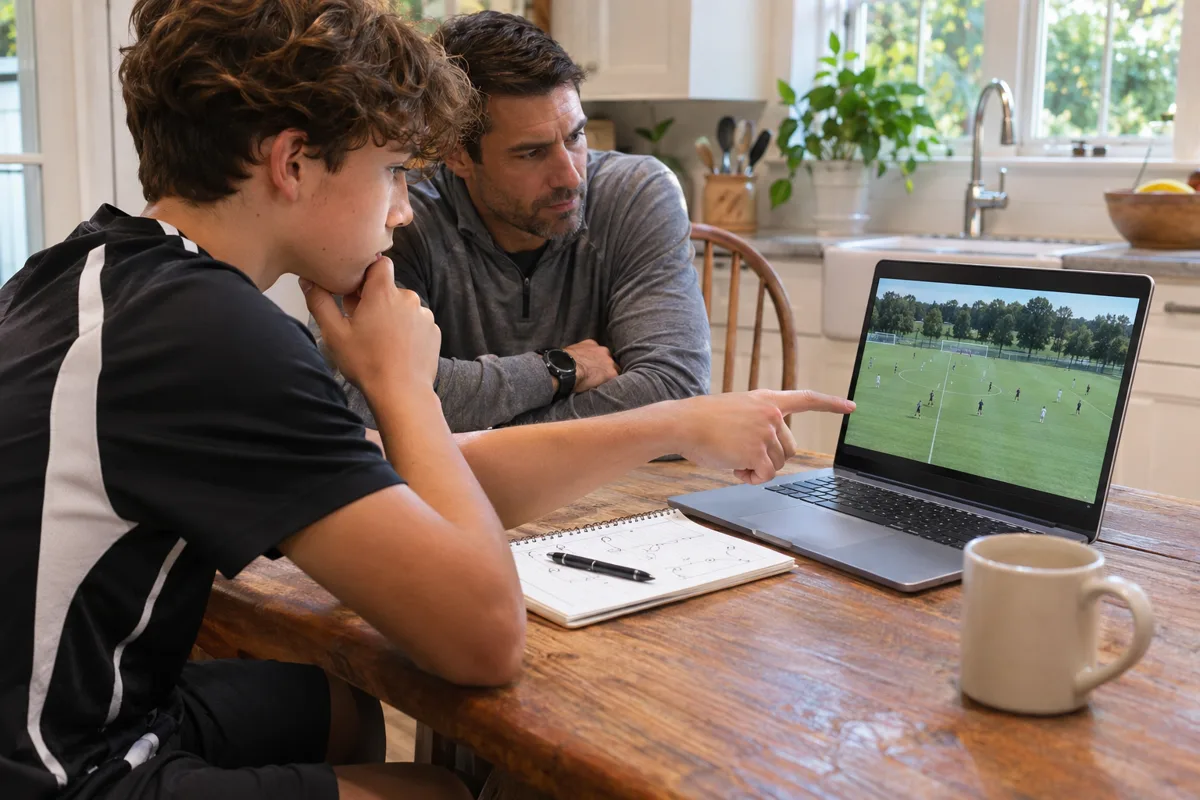
A player’s story can become scattered across match videos, old messages and notes from different seasons. Prospect XI gives families a place within Soccer Network Hub to organize that information and keep a current development focus.
The useful starting point is a clear record of the player’s actual experience. You can create a private profile, return to it after a match, and connect what you notice with a practical next step.
What belongs in the profile?
Record the player’s age group, primary position, broad region, playing history, short bio, achievements and current goals. A photo or highlight link is optional. Choose information that helps explain the player rather than collecting every detail of their life.
For example, a midfielder might describe the teams they have played with and add a goal about recognizing pressure before receiving. That is more useful to revisit than an unsupported claim about being an elite player.
Use the dashboard as a prompt to reflect
The player dashboard shows profile completeness, the saved development goal and a count of saved opportunities. Completeness measures information entered; it is not an ability score or a recruiting assessment.
At the end of a week, read the goal and ask: What did I try? What happened? What would I like to discuss with my coach? Update the goal when the focus changes.
How to start with one soccer account
- Create or sign in to your account with Google or an email link.
- Choose your public community username and complete the adult account.
- Open the player profile editor.
- Add accurate basics, preview the draft and save it privately.
- Return through My dashboard to review your record.
Parents manage youth profiles
A Parent / guardian account and guardian confirmation are required for a youth profile. Invite the player to write their own interests and goals while the adult manages permissions. Use a broad region and avoid home addresses, exact birth dates and private contact information.
Current profiles are visible only to their account owner. Player discovery and recruiter messaging are not available. An external video keeps the permissions set on its hosting service.
Build a record, not a promise of selection
Creating a profile does not apply to a club, establish a verified ranking or guarantee that someone will see it. Its current value is organization: one place to keep the player story, a development goal and a private opportunity shortlist.
Begin with the information you have. A short, accurate record that gets reviewed is more useful than a lengthy profile that is never updated.